Package management, from the beginning
One of the features Linux had way before its competition was the ability to download applications from online repositories, which would later be called an "app store". Before this, you would have to download the application binaries and libraries, or build it yourself from the source code, making sure you already had all the required dependencies to compile the application. To solve this issue, package managers like "APT" and "DNF" were developed. On the surface, the task may seem simple: download, install, update, and remove applications. Under the hood, however, a package manager must handle complex operations: downloading the requested application along with all required libraries, checking dependency availability, resolving conflicts, extracting files to the disk, and running any optional post-installation scripts. Once a program was installed, it could be run by clicking on the new icon that appeared, or if the program was placed in /bin/ or another path in the system $PATH variable, by typing the name of the executable.
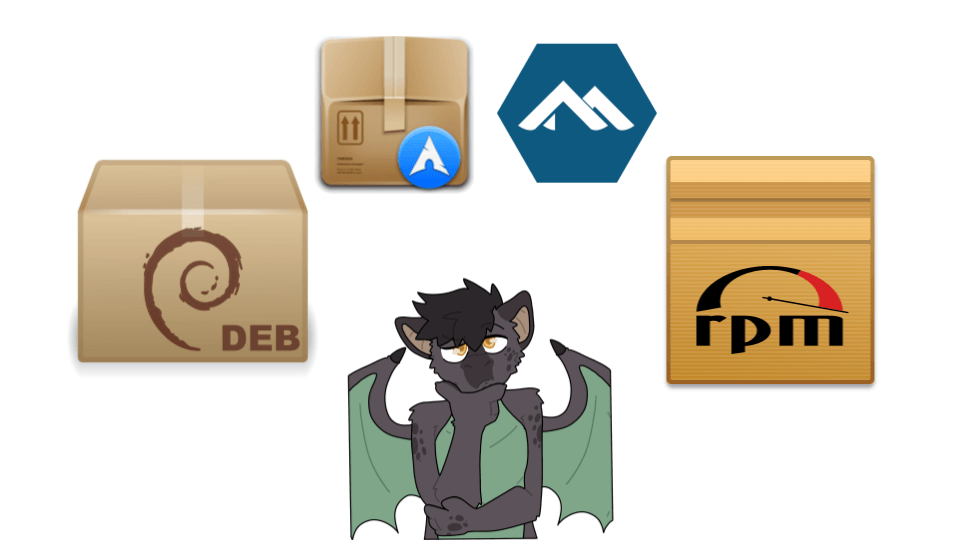
As time moved on, new requirements emerged for package managers: distribution-agnostic support and enhanced security through application sandboxing. Because every distribution family had its own package manager, it quickly became obvious that maintaining packages for multiple distributions was time-consuming for developers, and impossible for distribution maintainers to package every available application. Additionally, as security threats increased, it became necessary to isolate untrusted applications from the system, including legitimate software that might be exploited by malware. Access to documents, peripherals, and other aspects of the system needed to be restricted, granting temporary usage only with explicit user permission.
One of these package managers with a new approach is Flatpak.
Flatpak tries to solve both issues by radically changing the packaging and distribution model. It allows developers to ship applications in a layered format that includes all necessary dependencies, working across all distributions, and runs them inside a sandbox. Flatpak provides two kinds of permissions: static permissions declared in the manifest, and dynamic permissions requested at runtime through portals exposed over D-Bus.
This format quickly became the mainstream, default, or even the only way in some distributions to install graphical applications via the software store. However, command-line applications were left behind, and for good reason. Sure, a few CLI-only tools exist, such as flatpak-builder (the tool used to build new Flatpaks), but developers tend to avoid packaging them. Furthermore, as we'll see, their usage from the command line... is rather difficult!
If we had installed Flatpak Builder from our distribution's repository with a classic package, we would launch it with flatpak-builder build-folder manifest.yaml. However, when installed as a Flatpak itself, the command becomes flatpak run org.flatpak.Builder build-folder manifest.yaml.
Not only does the command become longer and require the full "app id" (which consist of a "unique three-part identifier", pinpointing both the developer and the application), but also requires the filesystem sandbox to be disabled!
In the meantime, flatpak run got a new --file-forwarding option, which maps a specified file from the command line (expressed in the arguments between the @@ delimiters) inside the sandbox to make it available to the application. However, this approach still has a catch.
Adding the required option and enclosing the file path with @@ doesn't help at all with the command length, but more importantly doesn't work with directories or non-existent files you may want to create (such as when converting a picture, where the second file path would be the output file)
Windows 10 and the Universal Windows Platform
Other operating systems encountered the exact same issues regarding application distribution and sandboxing. Windows took a drastic approach: rather than improving the classic Win32 desktop stack, it created an entirely new platform. Even though the technology was initially quite immature, it laid the foundation to distribute "APPX" software through the Windows Store alongside sandboxing via AppContainer.
Soon, developers would realize that migrating from Win32 created a massive workload in trying to port applications to the new platform-and it was not always possible due to the technical limitations of UWP. So in a later update to Windows, the Desktop Bridge was introduced.
Among the new features, many of which centered on packaging in the "APPX" format existing Win32 desktop applications, a series of improvements was added to run both UWP and Win32 apps more easily from the command line.
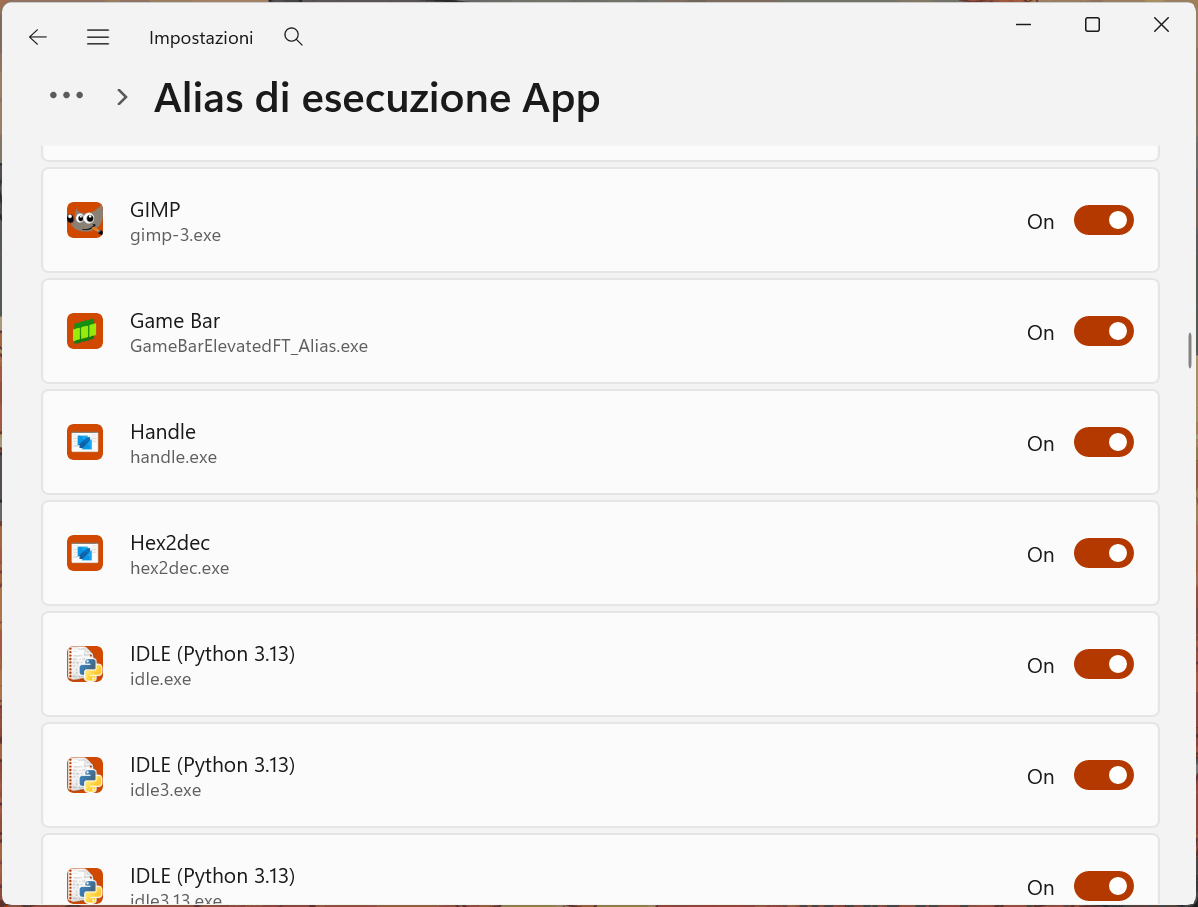
Of course, not every app supported this feature, as it required developers to update the application manifest by adding the uap3:AppExecutionAlias extension and specifying the name of the exported executable outside the sandbox. This would create a special 0-byte execution alias inside %LOCALAPPDATA%\Microsoft\WindowsApps, which is included in the user's PATH variable. This file relies on an NTFS reparse point tagged with IO_REPARSE_TAG_APPEXECLINK. When executed, Windows reads this reparse data and launches the actual binary from the restricted C:\Program Files\WindowsApps directory within its designated application container. An application can export multiple aliases, and the alias name doesn't have to match the executable file inside the container.
Because these aliases sit in a directory that is included in the user's PATH variable, they can sometimes cause conflicts. A classic example is typing python into CMD and unexpectedly opening the Microsoft Store rather than launching the Python version you manually installed from the python website.
To solve this issue, the system provides a simple interface to view all aliases exported by installed applications, along with toggles to disable them. When an alias is turned off, Windows simply deletes that 0-byte reparse point from the %LOCALAPPDATA%\Microsoft\WindowsApps directory. With the file gone, the shell continues searching the rest of the user's PATH.
A solution for Flatpak
Flatpak development could take inspiration from the Windows approach. A suggested solution would consist of multiple small changes. The first would be adding an export-commands key to the Flatpak manifest, mapping internal executable paths to exported command aliases. This approach allowes developers to create wrapper files with complex names inside the package and exporting them with simple names.
app-id: uk.org.greenend.chiark.sgtatham.putty
runtime: org.freedesktop.Platform
runtime-version: '26.08'
sdk: org.freedesktop.Sdk
rename-desktop-file: putty.desktop
rename-icon: putty
command: putty
export-commands:
  putty: putty
  puttygen: puttygen
  psftp: psftp
  pageant: pageant
  pscp: pscp
...
Flatpak builder can take the new section and build the following section in the app metadata file:
[Commands]
putty=putty
puttygen=puttygen
psftp=psftp
pageant=pageant
pscp=pscp
Upon installation, other than showing supported aliases among the current requested permission screen, Flatpak could generate a set of wrapper scripts (analogous to the ones already present in /var/lib/flatpak/exports/bin/) with a few key changes: These wrappers would automatically append a --command flag for each exported internal binary, save the wrapper script using the designated alias name, and provide built-in support for --file-forwarding by detecting existing file arguments and wrapping them in @@ delimiters.
#!/bin/sh
for arg do
    shift
    if [ -e "$arg" ]; then
        set -- "$@" "@@" "$(readlink -f "$arg")" "@@"
    else
        set -- "$@" "$arg"
    fi
done
exec /usr/bin/flatpak run --branch=master --arch=x86_64 --command="putty" --file-forwarding uk.org.greenend.chiark.sgtatham.putty "$@"
The Flatpak command could then be extended to include subcommands for enabling or disabling specific aliases, or configuring whether new applications can automatically export aliases by default. Graphical management tools, such as system Settings or Flatseal, could integrate a dedicated control panel, similar to the one in Windows, to simplify alias management for users.
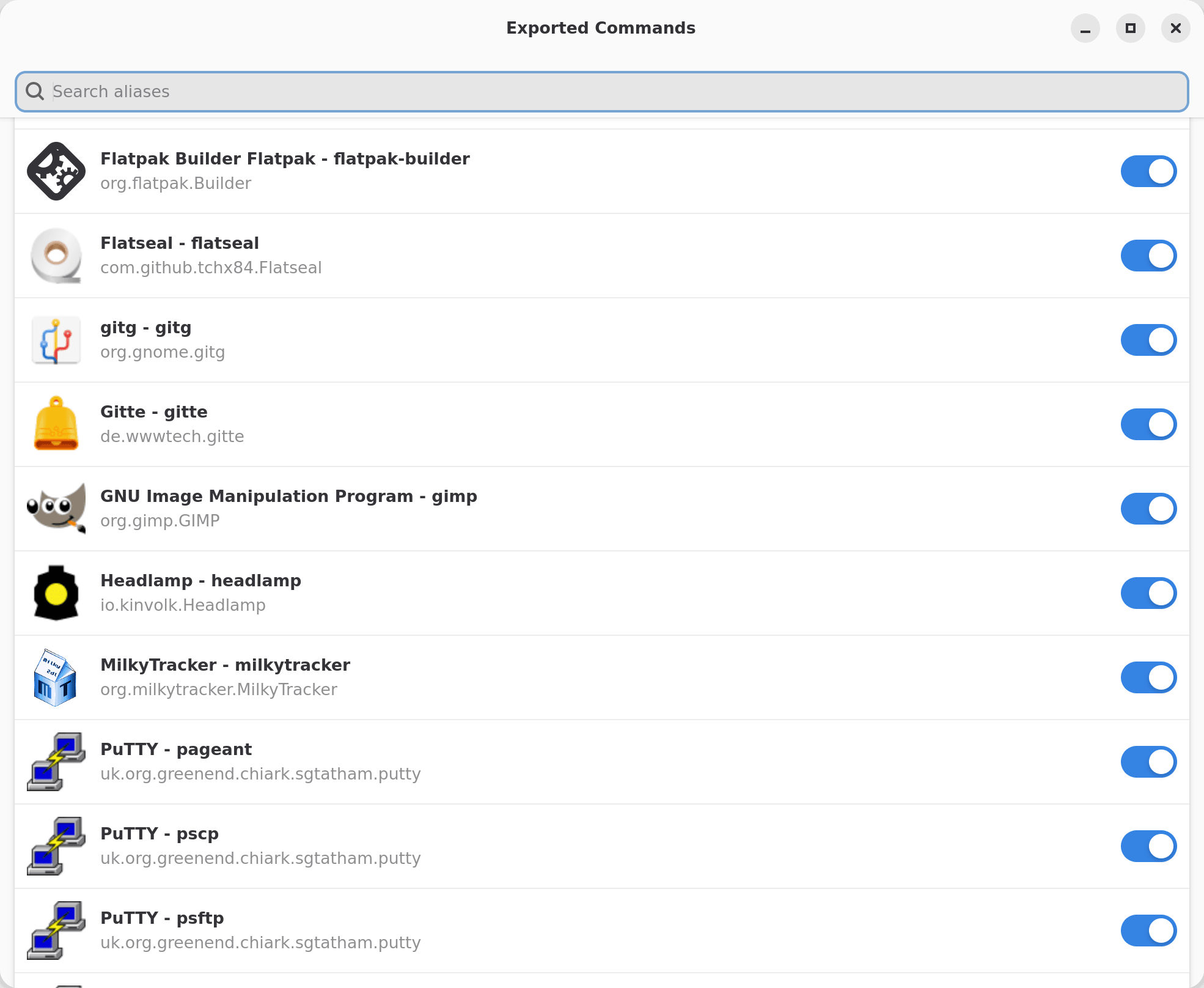
A Unified Path Forward for Desktop and CLI
As desktop Linux continues to gain mainstream attention, the differences between GUI applications and CLI utilities becomes increasingly important. While Flatpak laid the foundations to solve fragmentation and security challenges of graphical software, extending those same principles of sandboxing and distribution-agnostic delivery to command-line tools requires an implementation change.
Resources
- https://learn.microsoft.com/windows/apps/desktop/modernize/desktop-to-uwp-extensions
- https://learn.microsoft.com/it-it/windows/win32/secauthz/appcontainer-for-legacy-applications-
- https://learn.microsoft.com/en-us/windows/win32/fileio/reparse-point-tags
- https://gist.github.com/ssokolow/db565fd8a82d6002baada946adb81f68
- https://man7.org/linux/man-pages/man1/flatpak-run.1.html